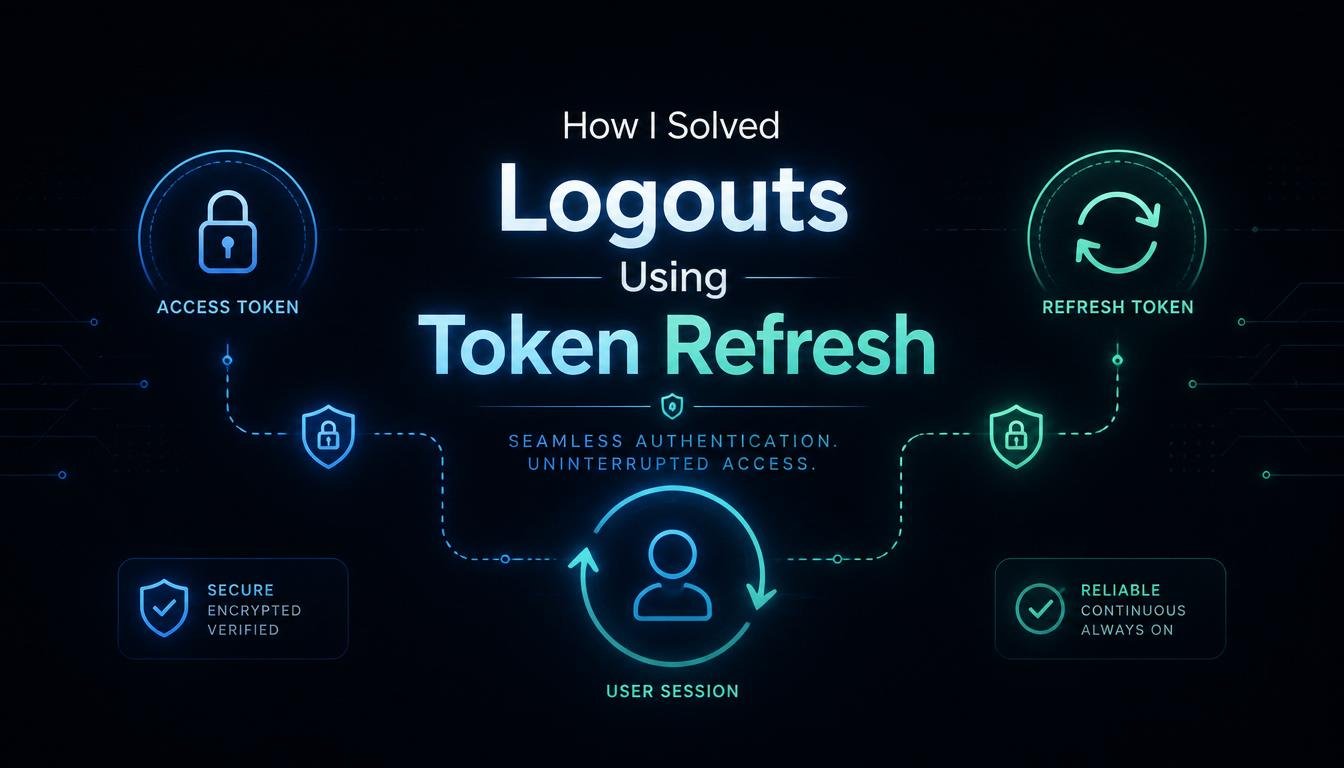
How I Solved Logouts Using Token Refresh

To keep our system secure, I had set our digital security keys, known as Access Tokens, to expire after exactly fifteen minutes. My security logic was flawless on paper, but my real-world user experience was an absolute train wreck. Real human beings do not like being forced to type their long passwords eight times a day just because they stepped away to grab a cup of coffee. I was trapped in a classic developer dilemma: how do you keep your app locked down like a bank vault without driving your actual users completely insane? The answer turned out to be a clever system design pattern called Token Refresh. Let us pull back the curtain on how I stopped my application from constantly kicking users out, and how you can set up a seamless, invisible security loop that keeps your platform safe and your clients happy.
What Exactly Is Token-Based Authentication?
Before looking at how I fixed the constant logouts, we first need to understand how modern apps remember who you are. The days of a web server opening a long, permanent digital pipe to your browser are long gone. Today, the internet runs on a stateless protocol. Every time your browser requests data from your backend server, it must prove its identity from scratch.
To do this efficiently, modern tech architectures use something called a JSON Web Token (JWT). Think of a JWT as a digital wristband you get when you walk into a music festival.
When you first type your password at the front gate (the login page), our server checks your credentials. If they match, the server hands your browser a cryptographically signed digital wristband called an Access Token.
Every single time your browser requests a private page or clicks a button, it automatically flashes that digital wristband to the server. The server looks at the signature, verifies it is authentic, and instantly grants access without ever needing to see your raw password again.
The Catch-22 of Access Token Expiration:
If digital wristbands are so fantastic, why was my application constantly kicking people out? It all comes down to basic security risk management.
Imagine if a festival wristband lasted forever. If a sneaky bad actor managed to clone or steal that wristband from your arm, they could walk into the festival and access your private VIP tent forever, and you would have absolutely no way to stop them.
To prevent this nightmare scenario, engineers intentionally make Access Tokens incredibly short-lived. In my case, I configured them to expire after just fifteen minutes if a hacker managed to intercept an Access Token on a public Wi-Fi network, that stolen key would automatically turn into useless digital garbage within a quarter of an hour.
But this security feature created a terrible user experience:
- Minute 1: The user logs in smoothly, gets an Access Token, and starts working on a massive data form.
- Minute 14: They are still typing, thinking carefully about their input entries.
- Minute 16: They hit the “Save Progress” button. Their browser flashes the Access Token to the server.
- The Crash: The server checks the timestamp, sees that 16 minutes have passed, shouts “Expired Key!”, and rejects the save. The app panics and boots the user straight back to the login screen, destroying all their unsaved work.
The Secret Weapon: Enter the Refresh Token:
To solve this frustrating problem permanently, I had to completely redesign our authentication architecture to use a two-token system. Instead of handing the user just one digital wristband at login, our server now hands them two entirely different security assets: an Access Token and a Refresh Token.
Think of the Refresh Token as a high-security, physical ID card kept hidden deep inside your wallet. You do not show it to the festival guards at every tent. You only bring it out when your cheap 15-minute wristband rips or expires.
The new architecture operates on a completely invisible, automated background loop that takes place without the user ever noticing a thing:
The Background Handshake:
Your client application monitors the clock. When it detects that the short-lived Access Token is about to expire, or when a background request suddenly fails with an authentication error, it does not prompt the user for a password.
Instead, a specialized interceptor script fires an automated background request to a private endpoint on your server, carrying that hidden, long-lived Refresh Token.
The Verification Phase:
The server receives the Refresh Token and checks its validity against a secure database. If the Refresh Token is still good and hasn’t been revoked, the server thinks, “Okay, this user logged in legitimately a few days ago, and their identity is still valid.”
The server then instantly mints a brand-new, shiny 15-minute Access Token and sends it back down the pipe.
The Seamless Recovery:
The client app catches the new Access Token, swaps it into memory, and immediately retries the user’s original action. To the human being clicking the button on the screen, the entire operation happens in a couple of milliseconds. They never see a login box, their progress is saved perfectly, and their session remains completely uninterrupted.
Where to Safely Store Your Tokens (And Avoid Hackers):
When I sat down to write the code for this new system, I hit a massive roadblock: where do you actually save these tokens inside the user’s web browser? If you store them in the wrong spot, you are essentially leaving your house keys under the front doormat for hackers to steal.
Junior developers often make the mistake of dumping both tokens straight into browser localStorage. This is highly dangerous. Any script running on your page, including third-party tracking scripts or compromised open-source libraries, can read localStorage effortlessly using basic JavaScript commands. This leaves your app wide open to Cross-Site Scripting (XSS) attacks.
Here is the secure storage matrix I implemented to keep our tokens locked down tight:
Access Token Storage: In-Memory:
Because the Access Token is short-lived and changes constantly, I kept it stored strictly inside the active application memory (a local variables array inside your code state). The moment the user closes the browser tab, that memory is instantly wiped clean. Even if an XSS attack occurs, the hacker has a highly restricted window to do any damage.
Refresh Token Storage: HttpOnly Cookies:
Because the Refresh Token lasts for days, it requires a secure home. I configured our backend server to send the Refresh Token down inside an HTTP response header utilizing the HttpOnly and Secure flag tags.
When a cookie is marked as HttpOnly, the user’s browser is strictly forbidden from accessing it via client-side script code. The browser will automatically hide the cookie from the page, but it will safely include it in the background headers every single time an API call is made back to your specific authentication server endpoint. It is the ultimate defense against data theft.
Implementing Silent Token Rotation for High Security:
Once you deploy a basic refresh loop, you will quickly realize there is still a major security vulnerability left to solve. What happens if an attacker manages to compromise a user’s machine and steal that long-lived HttpOnly Refresh Token anyway? They could potentially stay logged in as that user for weeks.
To neutralize this threat, I implemented an advanced protocol called Refresh Token Rotation.
With rotation enabled, your server does not keep reusing the exact same long-lived token over and over again. Every single time a client app sends a Refresh Token to get a new Access Token, the server automatically invalidates that old Refresh Token and issues a brand-new Refresh Token back to the client at the exact same time.
It creates a continuous, rolling chain of security keys.
If a hacker steals a copy of a used Refresh Token from a user’s machine and tries to submit it to your server a few minutes later, your backend database will instantly flag the transaction. It will see that a token that was already replaced is trying to be used a second time.
The server immediately recognizes this as a malicious breach attempt, activates a security alarm, completely invalidates the entire token family chain, and forces both the legitimate user and the attacker to log out instantly. It stops a breach dead in its tracks.
My Hard-Earned Checklist for Perfect Authentication Design:
After fixing our embarrassing checkout logout bug and successfully deploying a silent, secure token rotation pipeline that now manages thousands of active user sessions without a single hiccup, I built an ironclad deployment checklist:
- Set access tokens to expire quickly (between 15 and 30 minutes) to minimize breach windows.
- Never store sensitive long-lived refresh tokens inside browser localStorage or sessionStorage.
- Always use HttpOnly, Secure, and SameSite=Strict flags when setting your refresh token cookies from the backend.
- Implement automated API interceptors on the client side to catch 401 expiration errors and handle refreshes silently.
- Deploy Refresh Token Rotation to automatically detect and shut down token reuse hacking attempts.
- Ensure your server database has a fast, clear mechanism to immediately revoke a refresh token if a user clicks an explicit “Log Out” button.
Bottom Line:
Taking the extra time to orchestrate a double-token authentication system might feel like overkill when your app is in early development, but it is the absolute foundation of a professional digital platform. It gives your users the sleek, modern, continuous experience they expect while keeping your backend architecture completely safe from malicious exploitation. Treat your cookies with respect, rotate your keys regularly, and keep your user sessions running smoothly.
FAQs:
1. What HTTP status code does a server throw when an Access Token expires?
The backend server will return an HTTP status code 401 Unauthorized to indicate that the current credentials have expired or are invalid.
2. Why is storing a Refresh Token in localStorage considered unsafe?
LocalStorage is fully accessible to any client-side script running on your page, making it highly vulnerable to data theft via Cross-Site Scripting (XSS) attacks.
3. What does the HttpOnly flag actually do to a browser cookie?
It prevents client-side programming scripts from reading or modifying the cookie data, ensuring it can only be transmitted securely during background HTTP network calls.
4. How does Refresh Token Rotation stop an active hacker?
It ensures every refresh key is single-use only; if a duplicate token is submitted, the server instantly detects the breach and deauthorizes the entire user session.
5. What is the ideal lifespan for an Access Token versus a Refresh Token?
An Access Token should typically expire within 15 to 30 minutes, whereas a secure Refresh Token can safely last anywhere from several days to a few weeks.
6. Does a silent token refresh require the user to re-enter their password?
No, the process occurs completely in the background using automated network interceptors, ensuring the user remains logged in without any manual interaction.